

[ Blog ] · 11 posts
See Genie at work.
Real recordings, step by step.
Real recordings of DesignX Genie at work: parts from a sentence or a drawing, whole products, quick changes, measured checks and simulation, and what each one saves you.
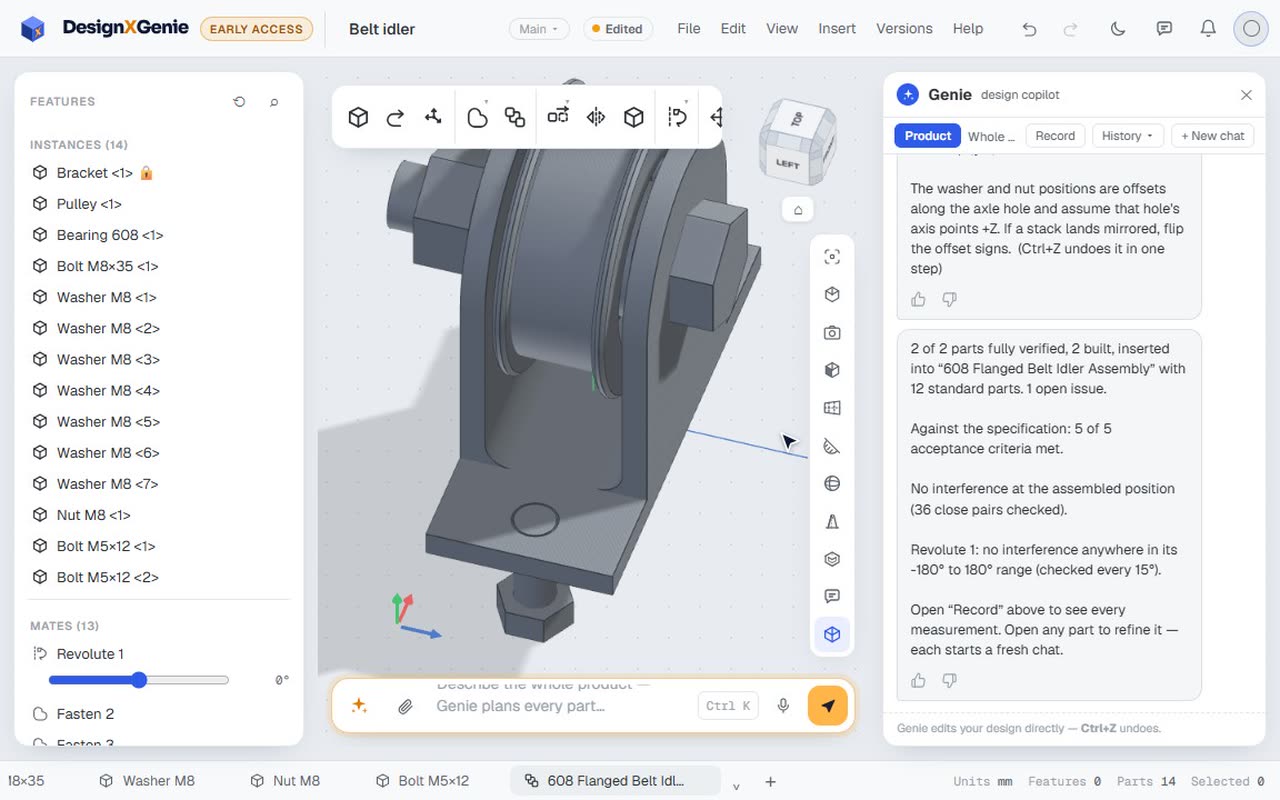 A belt idler from one sentence: pulley, bearing, bolt and bracketProduct mode turns one sentence into a checked assembly. Genie designs the bracket and the flanged pulley, picks the 608 bearing and the M8 hardware from the catalogue, mates it so the pulley turns, and checks a full turn for clashes.Watch the recording
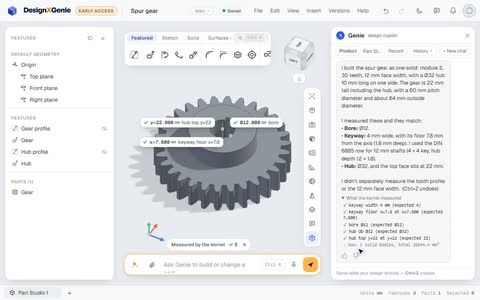 A spur gear with a DIN 6885 keyway, in about half a minuteModule, tooth count, face width, bore, keyway and hub in one sentence. Genie builds a real involute spur gear, takes the keyway from the standard, and the kernel measures the bore, the keyway and the hub.Watch the recording
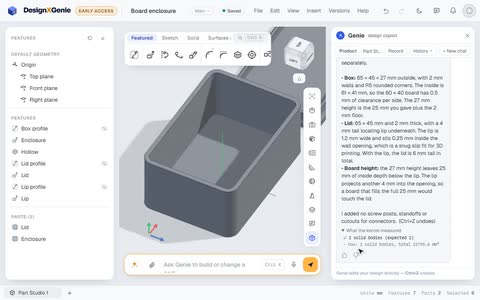 A 3D-printed enclosure for a circuit board, with a lid that locatesGive Genie the board's size and it designs the box and the lid around it, with print-friendly clearances, and tells you what it left out: screw posts, standoffs and connector cut-outs.Watch the recording
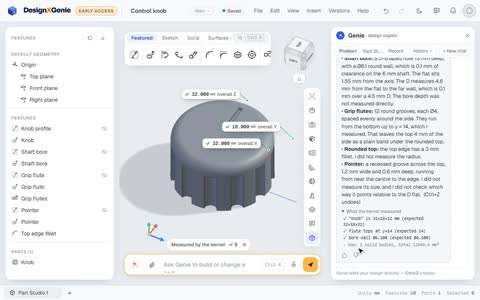 A control knob with a D-shaft bore, grip flutes and a pointerA small consumer part with a lot of details: the D-shaped bore that fits the shaft, the grip flutes, the rounded top and the pointer mark. Genie sizes the fits and tells you which details it didn't measure.Watch the recording
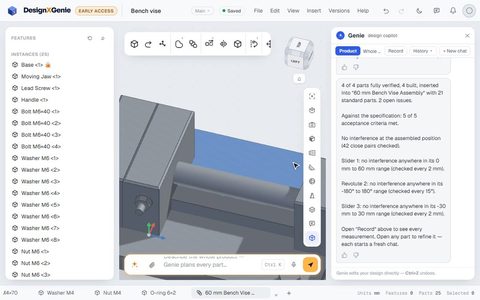 A whole product from one request: a 60 mm bench viseIn Product mode Genie plans every part, builds each one, adds the standard hardware, mates the assembly and checks its motion for clashes. Here is a small bench vise, from one request to 25 parts.Watch the recording
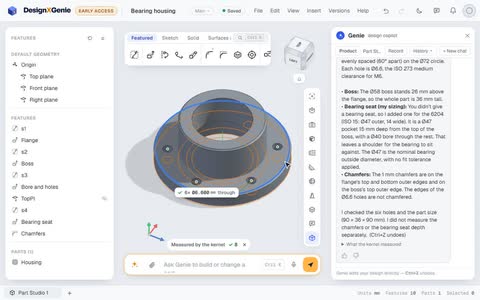 From one sentence to a finished part, with a change of mind halfwayDescribe a part in plain words and Genie builds it feature by feature on a real CAD kernel, fills the gaps you left with standard sizes, and tells you what it checked. You can steer it while it works.Watch the recording
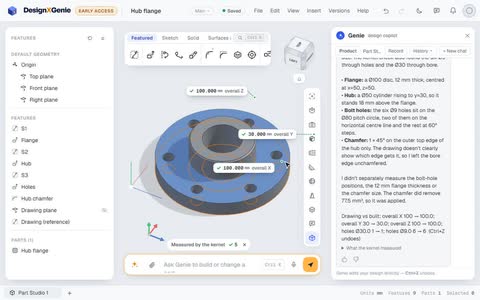 From a 2D drawing to a 3D partAttach a drawing, as an image or a PDF, and ask Genie to build it. It reads the views and the dimensions, models the part, and compares what it built with the drawing, size by size.Watch the recording
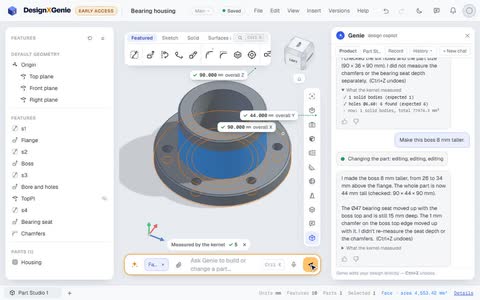 Click a face, say the changePick a face on your part and tell Genie what should change. It finds the feature behind that face, edits it, and keeps everything that depends on it in step.Watch the recording
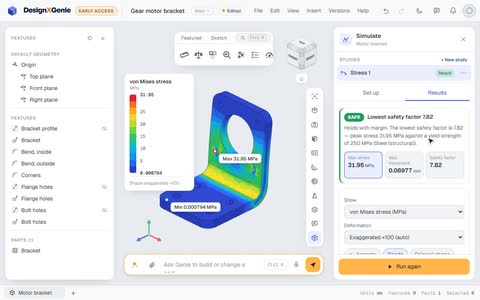 Will it hold? Stress, vibration and heat on CalculiXDesignX now runs engineering simulation on CalculiX, the open-source finite-element solver. Hold a face, load another, run, and read the safety factor on the part. Genie can set up and run studies for you.Watch the recording
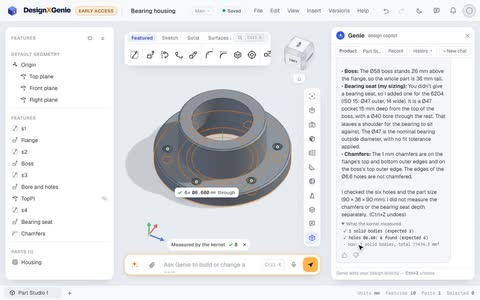 Checked by the kernel, not guessedEvery answer Genie gives ends with what the CAD kernel actually measured on your part: the solids, the holes it found, the overall size. When something doesn't match what was asked, you see it.Watch the recording
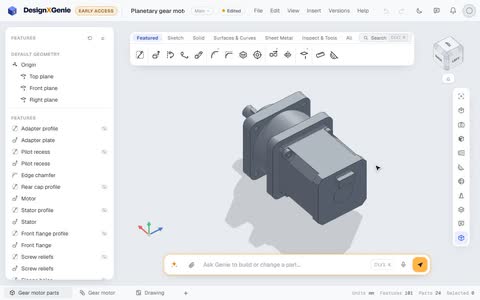 Inside a 24-part planetary gear motor modelled in DesignXThe gear motor on our home page is a real DesignX model: a NEMA 23 stepper on a 5:1 planetary gearbox, 24 parts and 101 features, with smooth gear teeth that mesh, checked for clashes.Watch the recording
No posts on this topic yet.